XSaved for iPhone https://ios.xsaved.com

The X bookmark library for iPhone.
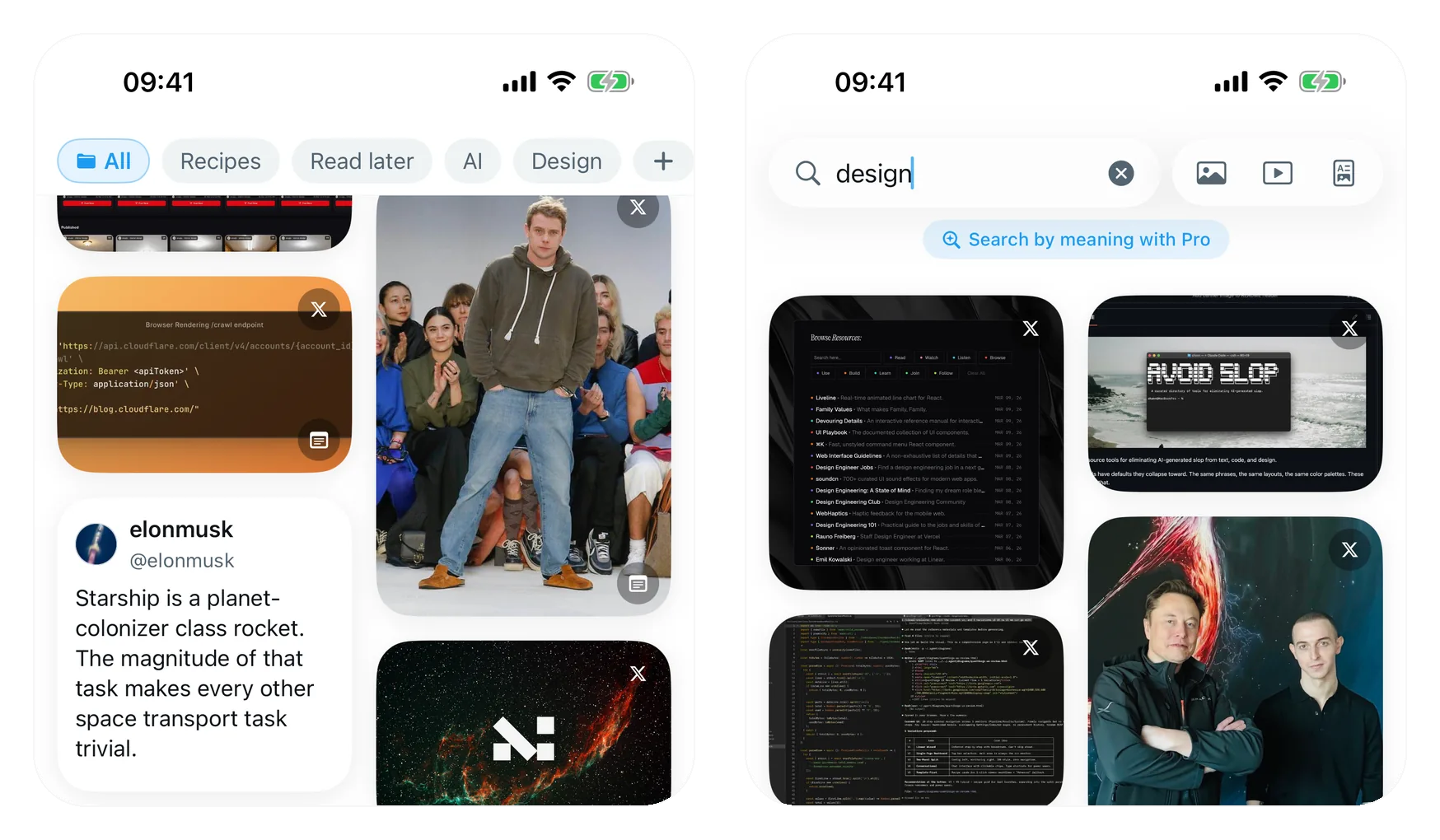
The Chrome extension needs a desktop. The iPhone app needs nothing else: sign in to X inside the app and your bookmarks import right there on the phone — no extension, no computer, no X Premium. From there they stop being a list and become a library: a light, image-first feed, your folders as chips along the top, and search that keeps up with your thumbs.
It's a native SwiftUI app built on iOS 26's new Liquid Glass design language, and it's about to launch on the App Store.
Tidy Up
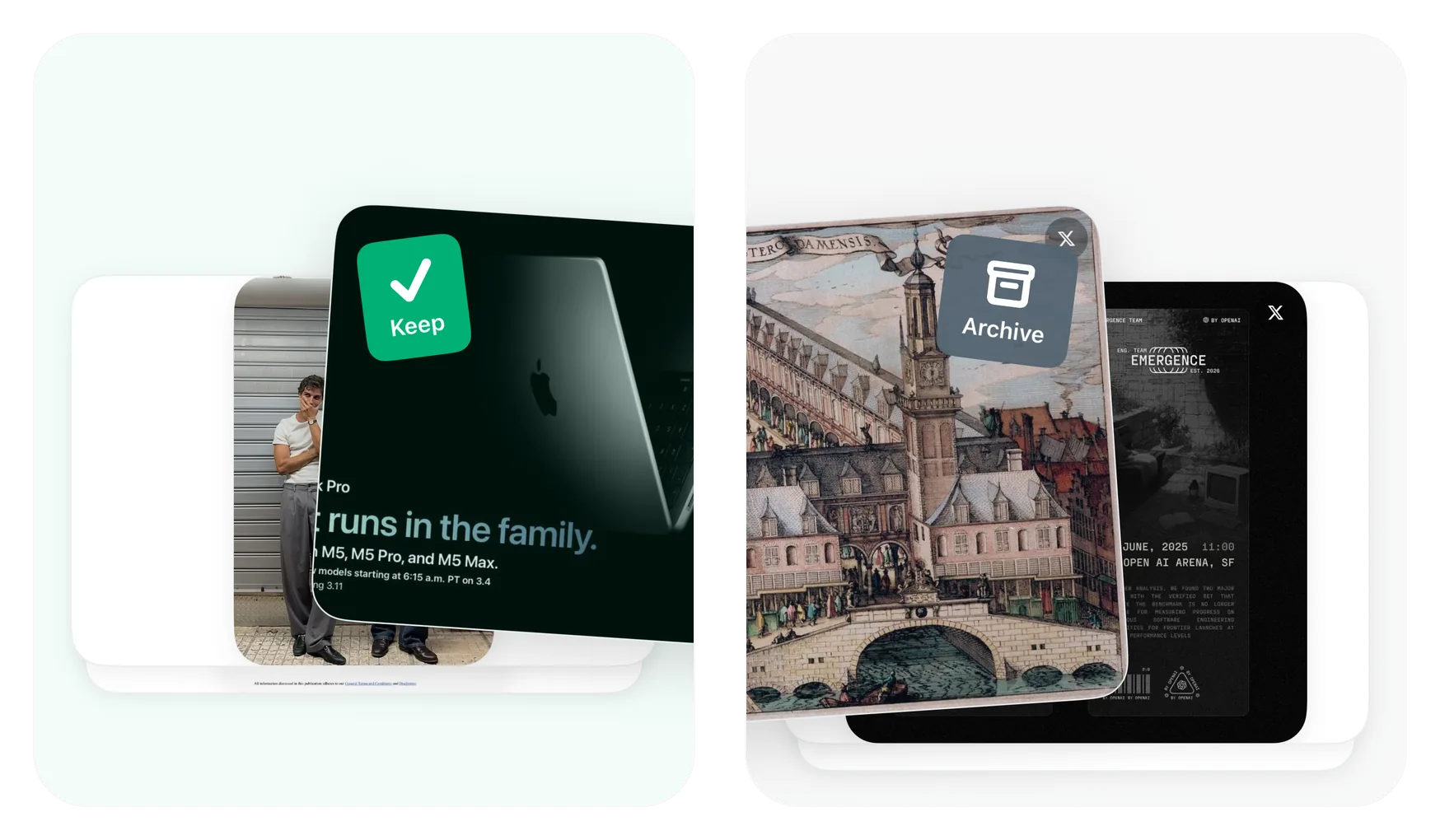
Years of saves, twenty cards at a time: swipe to keep, swipe to archive, or file a card straight into a folder. Undo if you were too quick. A pile that took years to build gets sorted in a couple of sessions of idle thumb work.
Search that understands you
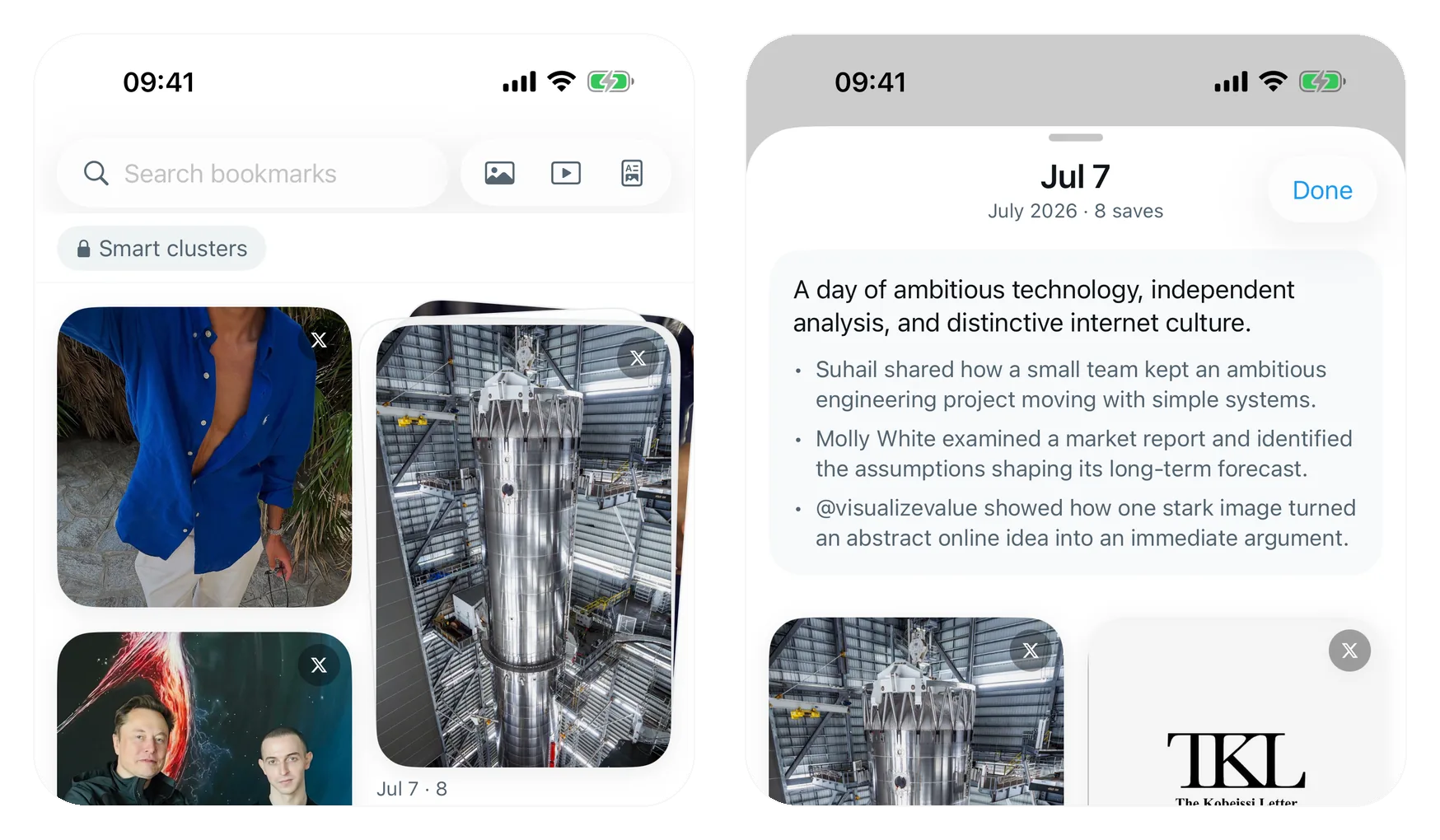
Keyword search is free and instant. Pro adds search by meaning — describe what you half-remember, like "that thread about pricing a side project", and it finds the post even when none of those words appear in it. Related saves surface the posts you saved for the same reason, and Smart topics group the whole library on their own.
Notes, tags and authors
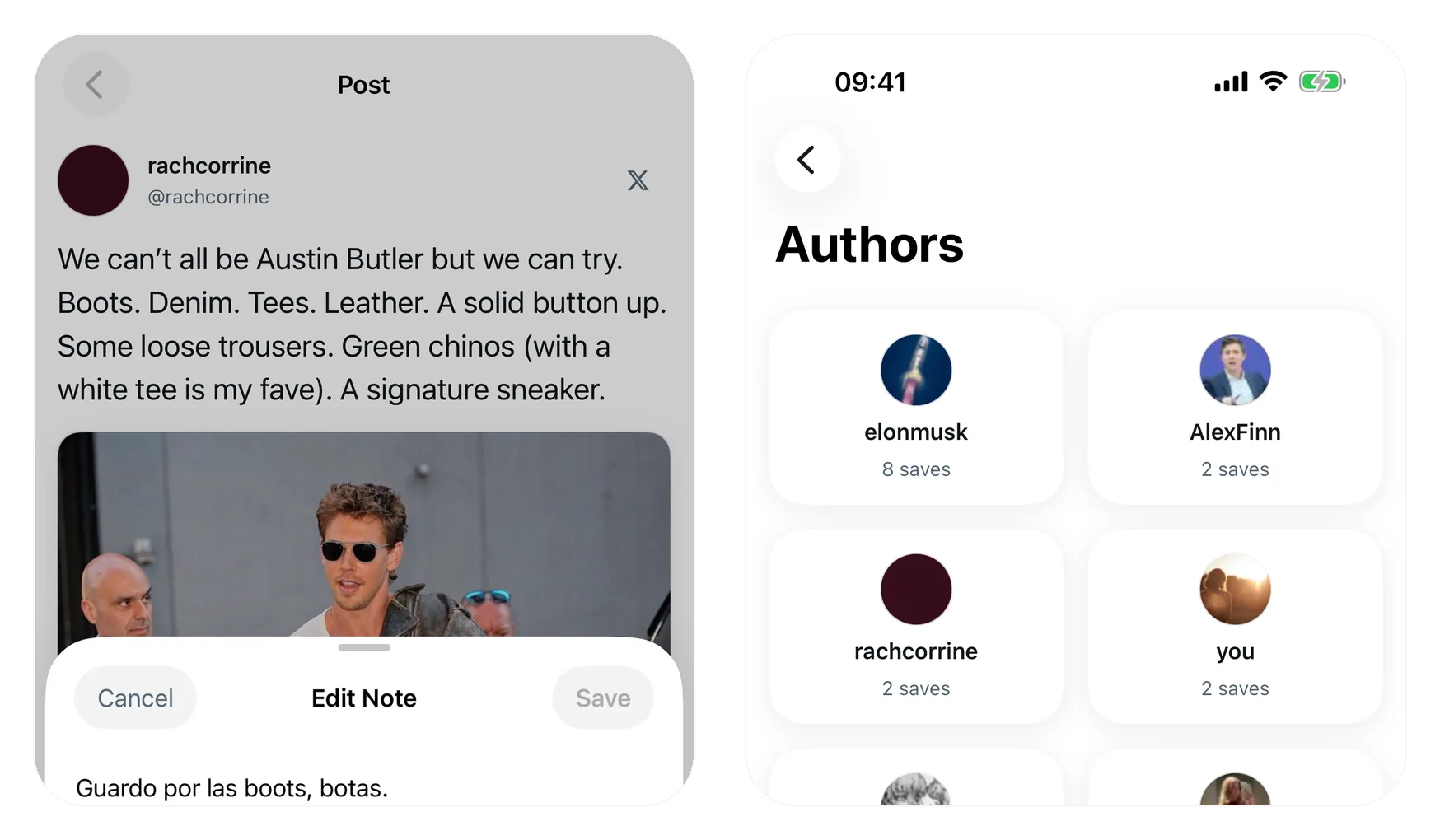
Add a private note to any post so future-you knows why it was worth saving. Open Authors to see who you save most, each with a one-line description written on the device itself.
Local by default, synced by choice
Everything lives on the phone. Turn on sync and the free Chrome extension shares the same folders, notes and tags — sign in once with a passkey and Face ID, no password. Or never turn it on; the app is complete on its own.
How it's built
Native SwiftUI targeting iOS 26 — the floating Liquid Glass tab bar and surfaces are the real system APIs, not imitations — with a plain model-view architecture on @Observable and bookmarks stored in SQLite. The import engine connects to X from an app-owned browser session on the device, so nothing about your account passes through a server. The AI is on-device too: Apple's Foundation Models write the cluster and author summaries, with no API keys and no data leaving the phone. Sync and search by meaning share the backend built for the extension.
The first version froze on a real library, so the library view was rebuilt around a masonry layout that re-measures and re-flows only the cards that actually changed — the difference between a demo and something you'd scroll every day.
Launching soon
Join the launch list at xsaved.com/launch-list and see the full story at ios.xsaved.com. The Chrome extension is live today.